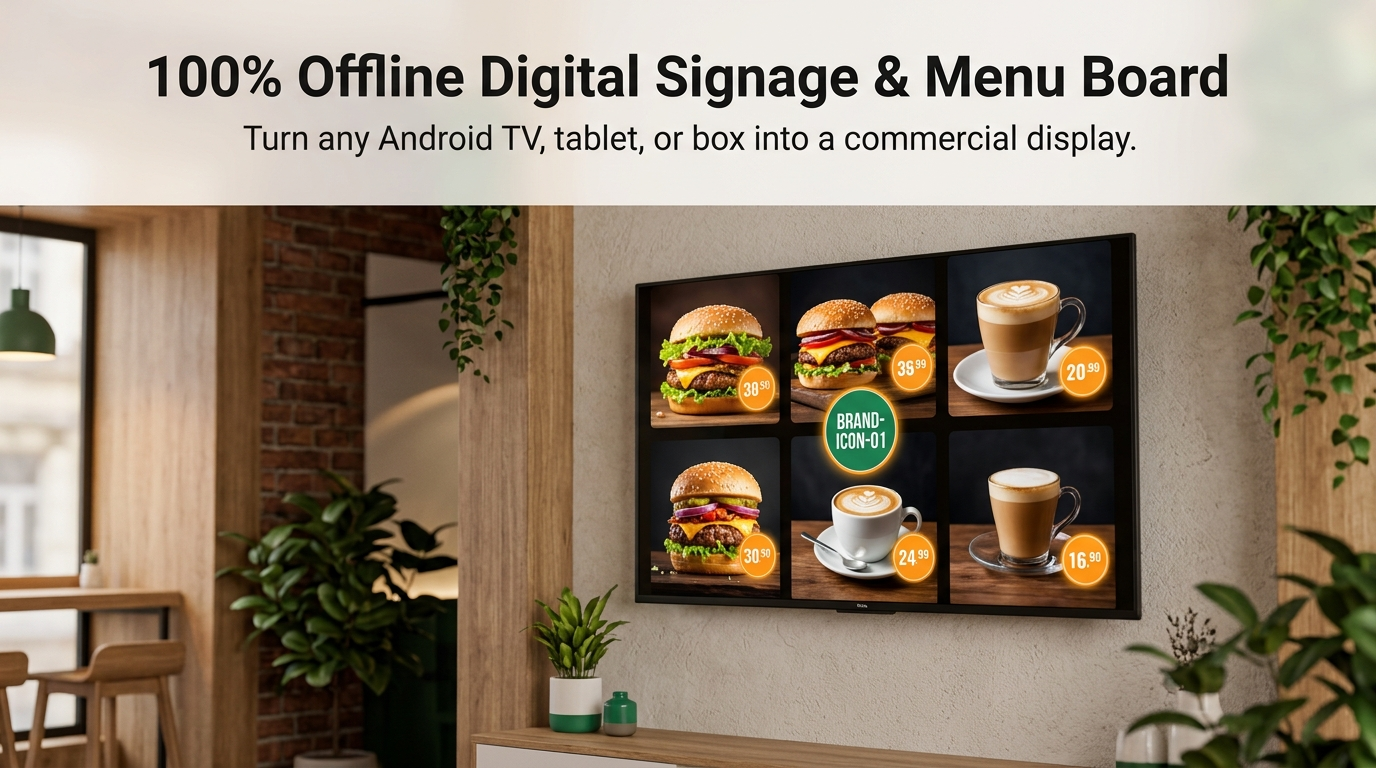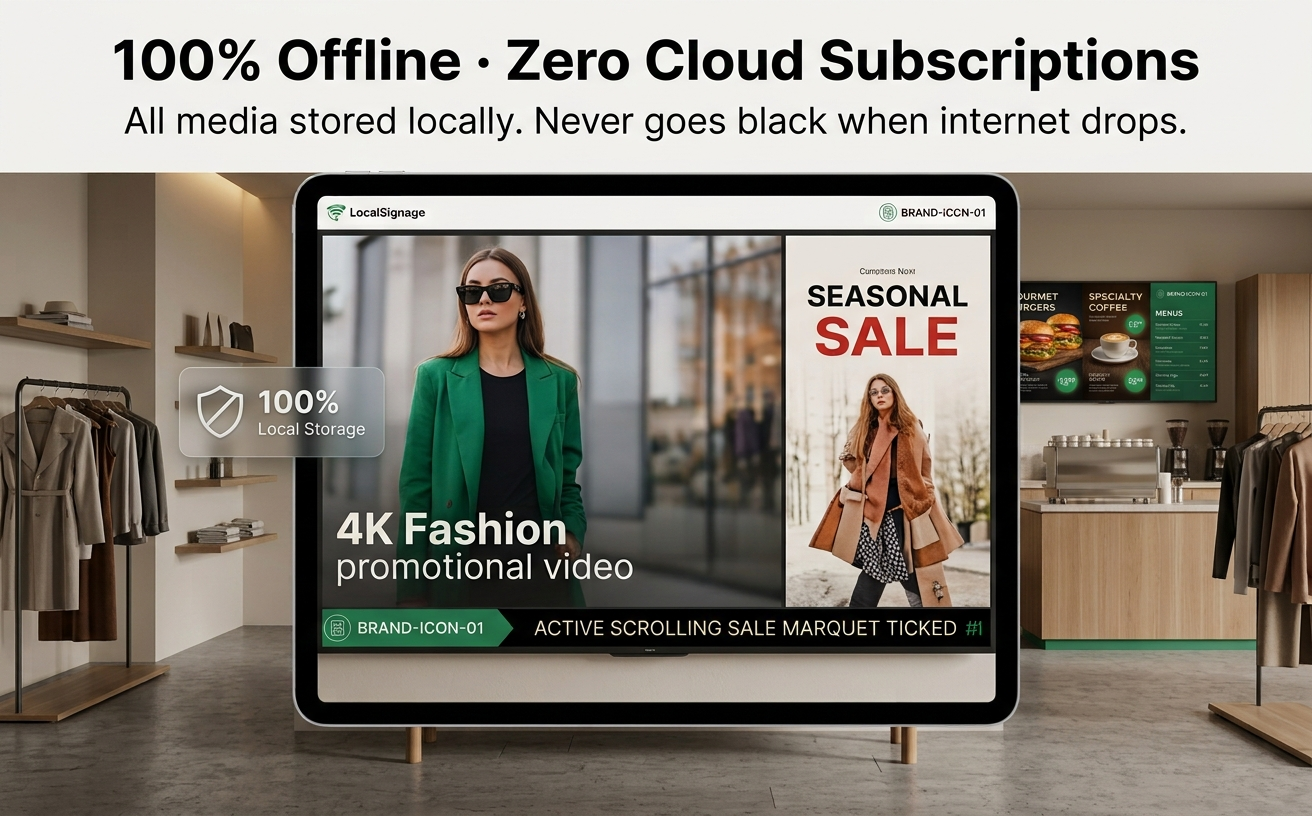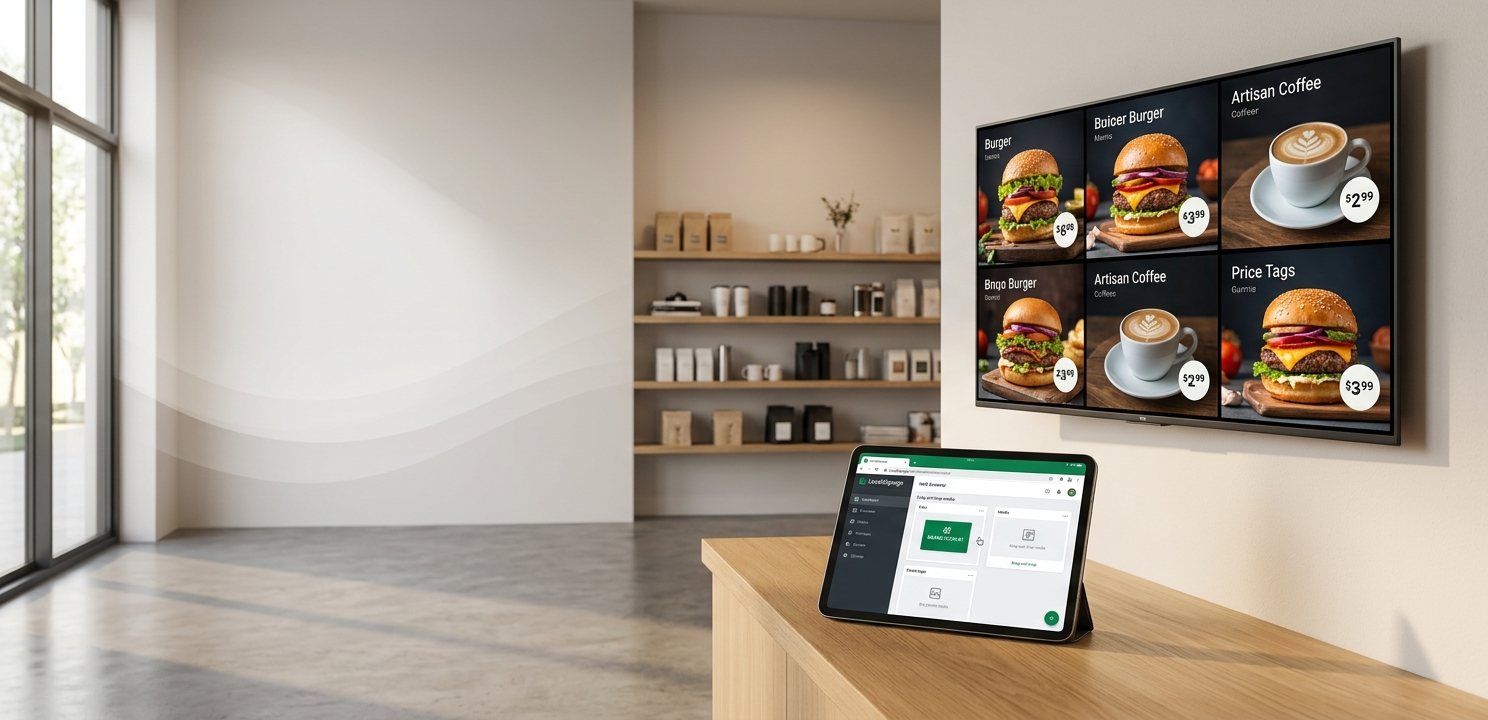
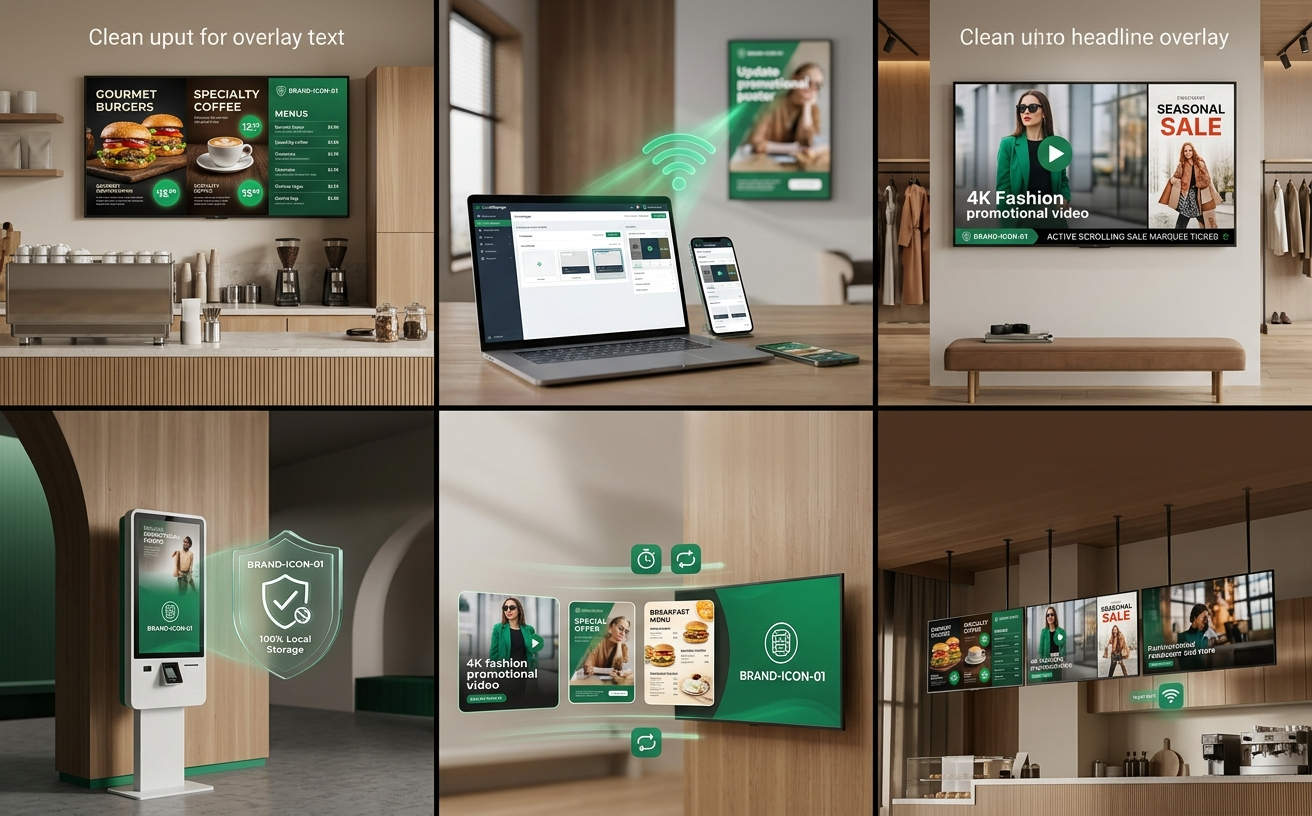
OfflineSignage is a local-first digital signage player and digital menu board engine built for Android TVs, tablets, and commercial displays. Operating completely without cloud dependencies, the Android device itself hosts an embedded Web server, allowing any phone or laptop on the same LAN to manage media, playlists, and screen sync directly in a web browser.
I. Quick 4-Step Start Guide
- Install & Launch: Open OfflineSignage on your Android TV or display. The device enters fullscreen signage mode and displays its LAN pairing IP.
- Connect via Browser: On your smartphone or laptop on the same Wi-Fi, open the on-screen address (e.g.,
http://192.168.1.105:8080) or scan the QR code. - Upload & Organize: Drag and drop menu posters (JPG/PNG) or promo videos (MP4) into the Web console. Set durations and save playlists.
- Start Autonomous Playback: Click "Play". Your display begins 4K looping. You can safely close your browser; the screen continues running 24/7 independently.
II. Android Display Screen Wireframes
1. Initial Pairing & Setup Screen
+-----------------------------------------------------------------------------+
|  OfflineSignage                                              🟢 Ready       |
|                                                                             |
|                           [ Device: Entrance Screen-01 ]                     |
|                                                                             |
|                    ┌─────────────┐                                          |
|                    │  █████████  │   📱 Scan QR Code on Phone               |
|                    │  ██  █  ██  │                                          |
|                    │  █████████  │   💻 Open in Computer Browser:           |
|                    │  ██  █  ██  │      http://192.168.1.105:8080           |
|                    │  █████████  │                                          |
|                    └─────────────┘   🔑 One-Time Pairing Code: [ 842 190 ]  |
|                                                                             |
|  📶 Wi-Fi: Store_5G   |   🔒 Local-First · No Cloud · No Accounts Required  |
+-----------------------------------------------------------------------------+
2. Remote Control Overlay Bar
Press the [OK / Select] button on your TV remote or tap the screen to summon the temporary overlay bar:
+-----------------------------------------------------------------------------+
| [ ⏸ Pause ] [ ⏭ Next ] [ 🔊 80% ]   IP: 192.168.1.105:8080   [ ⚙ Settings ] |
+-----------------------------------------------------------------------------+
III. Web Management Console Wireframes
1. Unified Dashboard
+-----------------------------------------------------------------------------+
|  OfflineSignage Console       [Devices]  [Media]  [Playlists]  [Sync] [Config]|
+-----------------------------------------------------------------------------+
|  📊 Overview                                                                |
|  • Screens Online: 3    • Now Playing: Summer Specials (Playlist #1)        |
|  • Storage: 1.2GB/16GB  • Network: Local LAN Active (Write Session Claimed) |
+-----------------------------------------------------------------------------+
2. Playlist Editor
+-----------------------------------------------------------------------------+
|  📑 Playlist: [ Summer Drink Specials ]              [ 💾 Save ] [ ▶ Play ] |
+-----------------------------------------------------------------------------+
|  1. ≡ [ Cover Poster.png ] ──────── Duration: [ 10 ] s ── [ Crossfade ▼ ] [🗑]|
|  2. ≡ [ Cold Brew Video.mp4 ] ───── Length: 00:15     ── [ Fit Aspect ▼ ] [🗑]|
|  3. ≡ [ Price Board.png ] ───────── Duration: [ 12 ] s ── [ Cut       ▼ ] [🗑]|
+-----------------------------------------------------------------------------+
3. UDP Multi-Screen Batch Sync
+-----------------------------------------------------------------------------+
|  📡 Multi-Screen LAN Sync                          [ 🔍 Scan Local Displays ]|
+-----------------------------------------------------------------------------+
|  [✔ Select All]                                                             |
|  │✔ │ Main Entrance   │ 192.168.1.105   │ Local    │ Summer Drink Specials  │|
|  │✔ │ Bar Menu Board  │ 192.168.1.108   │ Online   │ Summer Drink Specials  │|
|  │✔ │ Window Display  │ 192.168.1.112   │ Online   │ Summer Drink Specials  │|
|                                                                             |
|  [ 🚀 Push Media & Schedules Over Gigabit LAN ]                             |
+-----------------------------------------------------------------------------+
IV. Troubleshooting & FAQ
| Issue | Probable Cause | Solution |
|---|---|---|
| Cannot open Web console | Devices on different Wi-Fi or missing port | Ensure phone/PC is on same Wi-Fi and URL includes :8080. |
| Black bars on sides | Media aspect ratio differs from TV | Switch scaling mode to Fit Screen or Blur Fill in media options. |
| App does not start on boot | Android background autostart disabled | Enable "Autostart / Run in Background" in Android App Settings for OfflineSignage. |